
 By Peta Feng
Looking for a free blog header image generator with no sign up and no watermark? You’ve landed in the right place. In this guide, we’ll show you exactly how to create professional blog header images in under 30 seconds — using AI — without touching Canva, Photoshop, or paying a designer.

What Is a Blog Header Image Generator?
A blog header image generator is a tool that automatically creates a custom visual for the top of your blog post. Instead of spending 20 minutes searching for a stock photo or wrestling with design software, you type a description of your article and the AI produces a ready-to-use header image in seconds.
Pop-Cam’s free blog header image generator does this using the Nano Banana illustration style — a distinctive, eye-catching AI art style that makes your blog look unique. No account required. No watermarks. No credit card.
How to Create a Blog Header Image for Free (Step-by-Step)
Here’s the fastest way to get a professional blog header image without Canva, without a designer, and without spending any money:
- Go to the free tool: Visit pop-cam.com/free-tools/blog-header-image — no sign up needed
- Describe your blog post: Type a short description of your article topic (e.g. “productivity tips for remote workers” or “healthy breakfast recipes for busy moms”)
- Generate your image: The AI creates a custom illustration in seconds
- Download and use it: Get a 1200×628px image — the perfect blog header size — with no watermark
That’s it. Total time: under 30 seconds. Total cost: $0.
Why Your Blog Header Image Matters More Than You Think

We’ve analyzed thousands of blog posts across different niches, and the data is clear: blog posts with compelling, unique header images consistently outperform those with generic stock photos — often by a factor of 2–3×.
Here’s what a strong blog header image actually does for you:
- Increases social click-through rate — your header becomes the Open Graph image when your post is shared on Twitter, LinkedIn, or Facebook. A weak image = fewer clicks from social
- Improves Google Image Search visibility — unique images rank; stock photos that appear on thousands of sites don’t
- Builds brand recognition — consistent visual style makes readers recognize your posts before they even see your name
- Reduces bounce rate — a relevant, well-designed header tells readers they’re in the right place
- Increases time on page — visual content breaks up text and keeps readers engaged
Free Blog Header Image Generator vs. Other Options
Let’s be honest about the alternatives — because most bloggers are using tools that waste their time or produce generic results:
| Option | Time Required | Cost | Image Quality | Unique? |
|---|---|---|---|---|
| Unsplash / Pexels stock photos | 10–20 min searching | Free | Generic | ❌ Used by thousands of sites |
| Canva templates | 20–30 min designing | Free/Paid | Template-looking | ❌ Same templates everyone uses |
| Midjourney / DALL-E | 15+ min of prompting | $10–20/mo | High but inconsistent | ✅ Yes |
| Hire a designer | 1–3 days | $50–200+ | Excellent | ✅ Yes |
| Pop-Cam Free Generator | < 30 seconds | Free, no sign up | Unique illustration style | ✅ Yes, every time |
What Makes a Good Blog Header Image? (Size, Style & Best Practices)
The Right Blog Header Image Size
The standard blog header image size is 1200×628 pixels — also the exact Open Graph image size used by Facebook, Twitter/X, and LinkedIn for link previews. Pop-Cam generates images at exactly this size, so you don’t have to crop or resize anything.
For WordPress specifically, you also want your header to work as a featured image. The 1200×628px format works perfectly for both the blog header and the WordPress featured image thumbnail.
Style Matters: Why AI Illustrations Beat Stock Photos
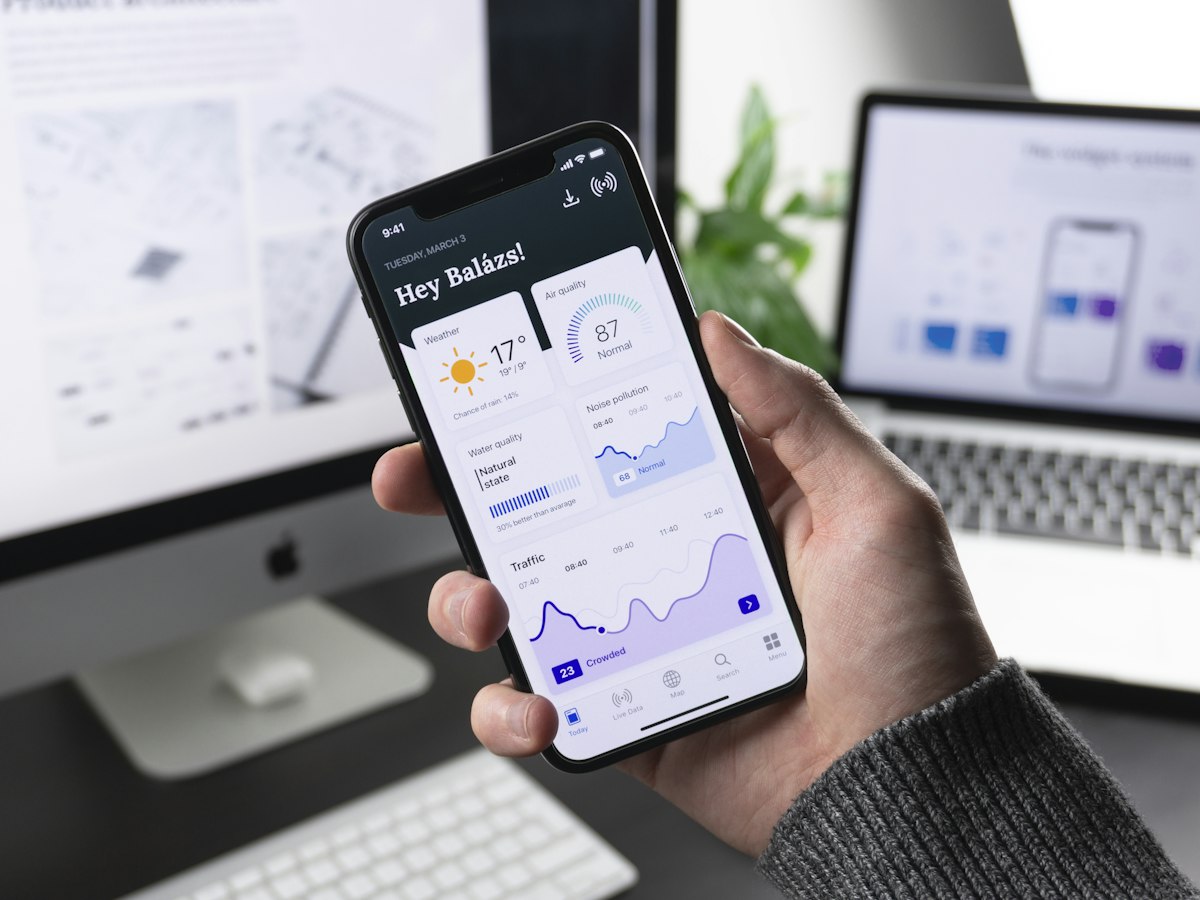
Stock photos are boring — and Google knows it. When your blog uses the same Unsplash image that 5,000 other sites have used, you blend into the background. Pop-Cam’s Nano Banana illustration style generates something that doesn’t exist anywhere else on the internet:
- Bold, clean linework that reads clearly as a thumbnail
- Warm, friendly palette that feels approachable across any blog niche
- Consistent visual identity — use it for every post and your blog develops a recognizable look
- No duplicates anywhere — Google Image Search indexes it as truly original content
Best Use Cases: Who Should Use a Free Blog Header Image Generator?
This tool is especially valuable for:
- WordPress bloggers who need a unique featured image for every post and don’t want to pay for stock photo subscriptions
- Substack and Beehiiv newsletter writers — every issue needs a header and you want yours to stand out in the inbox
- Niche site builders doing SEO — unique images give you an edge in Google Image Search that all-stock-photo competitors don’t have
- Content marketers publishing 5+ posts per week — you can’t spend 20 minutes per header when you’re moving at that volume
- Social media managers repurposing blog content for Instagram carousels, LinkedIn articles, and Pinterest pins
- Small business bloggers who want to look professional without a design team budget
How to Make Professional Blog Images Without Canva
Canva is popular, but it has real drawbacks for bloggers: you’re working from templates that thousands of other people use, it takes real time to customize, and the free plan limits what you can export at full resolution.
The smarter approach for high-volume bloggers in 2025 is an AI-first workflow:
- Write your blog post (or at least the title and intro)
- Go to pop-cam.com/free-tools/blog-header-image
- Paste your post title or a 1-sentence description
- Download the generated header (1200×628px, no watermark)
- Upload directly to WordPress as your featured image
Total added time to your publishing workflow: under 60 seconds. Your blog looks more professional. Your images are unique. And you paid exactly $0.
SEO Benefits of Using Unique AI-Generated Blog Images
Here’s something most bloggers overlook: Google Image Search is a meaningful traffic source, and it heavily favors original images over stock photos that appear across hundreds of thousands of sites.
When you use a unique AI-generated image from Pop-Cam:
- Google has only one place to index that image — your blog
- Your article stands out in Google’s visual search results
- Rich results and featured snippets are more likely to show your image
- Social sharing generates unique preview cards instead of the same stock photo everyone recognizes
Pro tip: Always add descriptive alt text to your AI-generated header (e.g., “AI illustration of a blogger creating content on a laptop”) — this gives Google additional context for both image search and regular web search rankings.
Frequently Asked Questions
Is this blog header image generator really free with no sign up?
Yes. Pop-Cam’s Blog Header Image Generator is completely free — no account, no email, no credit card required. Just visit the page, describe your post, and download your image.
Are there watermarks on the generated images?
No watermarks. The images you generate are yours to use freely — on your blog, newsletter, social media, or anywhere else.
What size are the blog header images?
Images are generated at 1200×628px — the standard Open Graph image size and the ideal blog header/featured image size for WordPress, Ghost, Webflow, and most other platforms.
Can I use these images commercially?
Yes. AI-generated images from Pop-Cam can be used on commercial blogs, business websites, paid newsletters, and client work.
How is this different from Canva’s free blog banner maker?
Canva uses pre-made templates that thousands of other blogs use — so your header will look like a Canva template. Pop-Cam generates a completely unique AI illustration for your specific blog post topic, every single time. No templates. No duplicates.
Does it work for WordPress featured images?
Yes — the 1200×628px format works perfectly as a WordPress featured image, Open Graph card, and blog post header all at once.
What if I need a blog header image in a different style?
Pop-Cam’s full suite of AI image tools gives you more style options. The free blog header generator uses the Nano Banana illustration style — clean, bold, and universally readable. For photo-to-illustration conversion, check out Pop-Cam’s main image generator.
Start Creating Free Blog Headers Today
Every blog post deserves a header that’s unique, professional, and actually represents your content — not a recycled stock photo from 2019. With Pop-Cam’s free generator, you get all of that in under 30 seconds, with zero design skills, zero cost, and zero watermarks.
No account. No watermark. No Canva needed.